
Quick Start
Interfaces
Click the menu button in the upper left corner to open the menu. 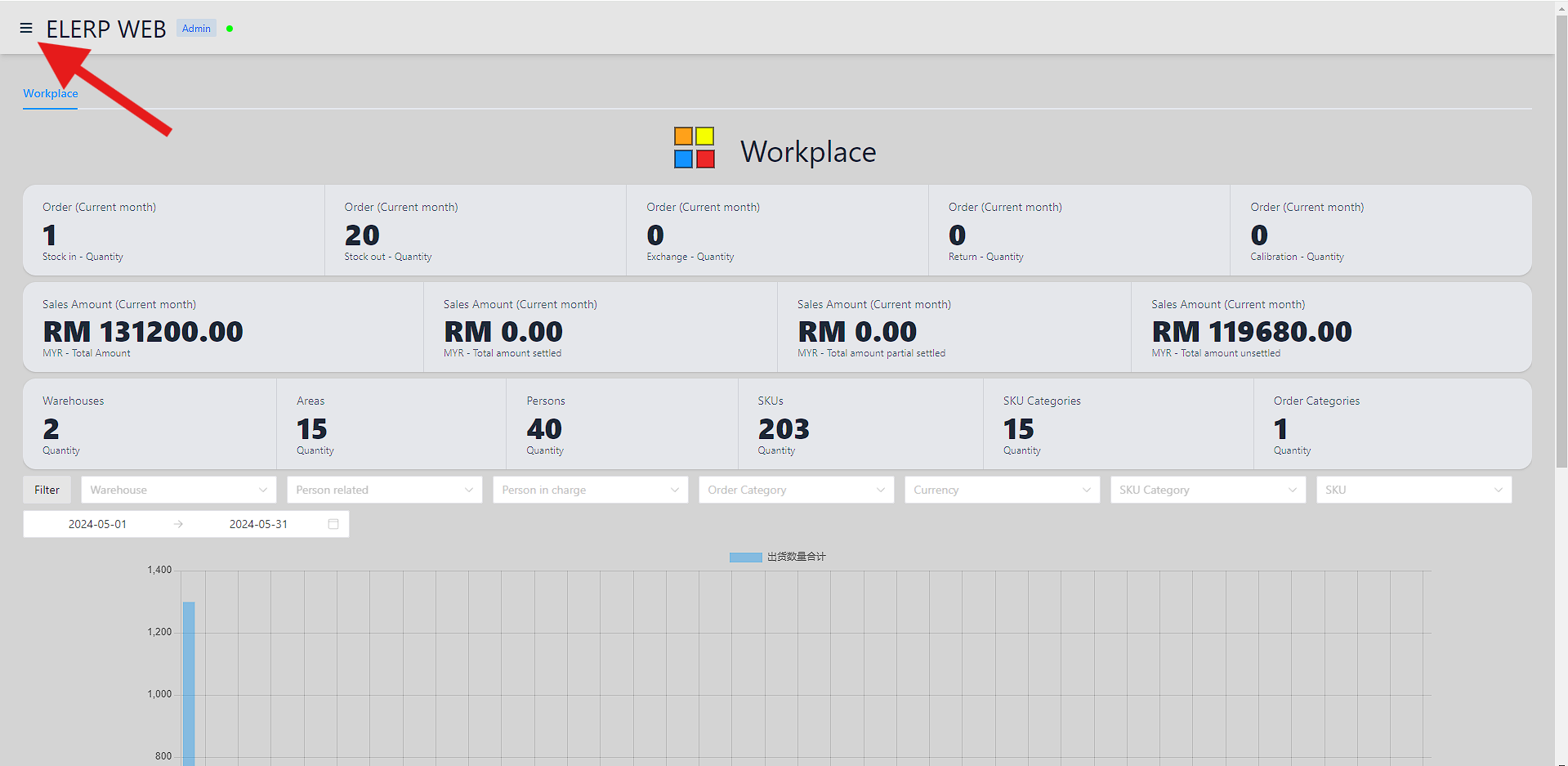
And click to enter the specified interface. 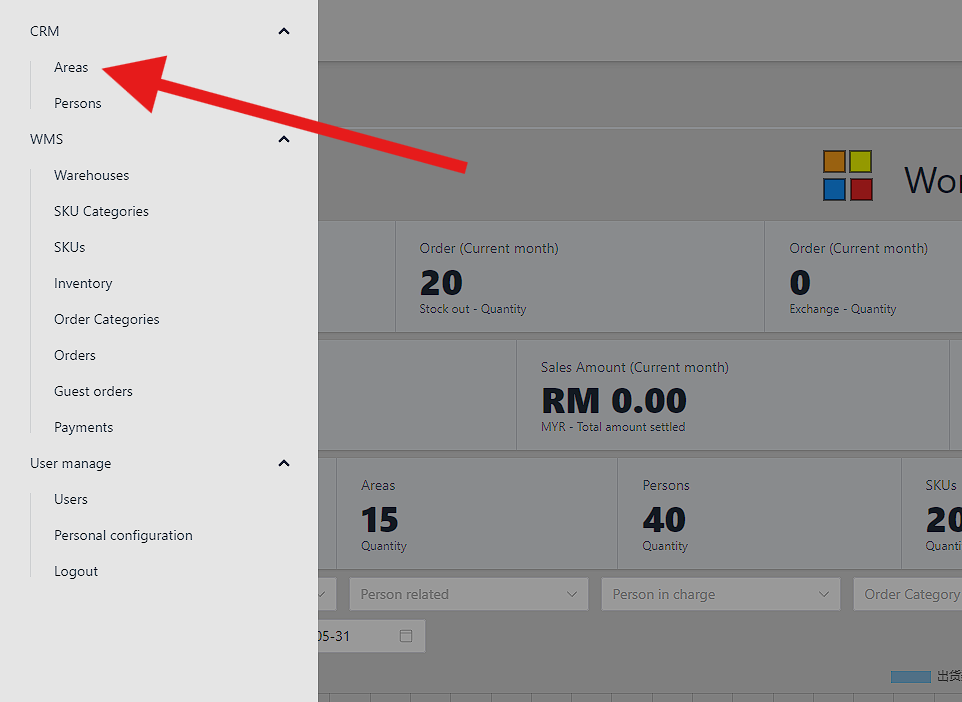
Dependecies
Before adding the first order, let's add the following, at least one each.
- Area
- Person
- Warehouse
- Order Category
- SKU Category
- SKU
Each dependency above will have two columns:
Coloris optional. It is background color of dependency. Default is gray.Text Coloris optional. It is text color of dependency. Default is black.
Add Area
Nameis required. It is the area's name.Descriptionis optional.
Add Person
Nameis required. It is the area's name.Descriptionis optional.Person in chargeis optional. It is person in charge for this person.Areais required. It is area of person.Addressis optional. It is address of person.Contact numberis optional. It is contact number of person.Emailis optional. It is email of person.
Add Warehouse
Areais required. It is area of warehouse.Person in chargeis required. It is person in charge for this warehouse.Nameis required. It is the warehouse's name.Descriptionis optional.Addressis optional. It is address of warehouse.
Add SKU Category
Nameis required. It is the SKU category's name.Descriptionis optional.
Add SKU
SKU Categoryis required. It is category of SKU.Nameis required. It is the SKU's name.Descriptionis optional.
Add Order Category
Nameis required. It is the order's name.Descriptionis optional.